
The Mathematical Reality of Speed: Ultimate Sim Racing FOV Guide
Calculate a geometrically perfect 1:1 Field of View, configure it correctly in every simulator, and train with the same visual discipline real racing drivers use. This is not a game — it is applied physics.
[EXECUTIVE BRIEFING] Sim racing is an exercise in applied physics. If your Field of View (FOV) is incorrect, your brain is receiving corrupted visual telemetry. You are essentially driving through a distorted, fun-house mirror — and no amount of practice can fix corrupted input data.
/// The Importance of FOV
Visual Precision vs. The Illusion of Speed
Many novice drivers manually widen their FOV because it makes the simulator "feel" faster. This is a critical error. A mathematically perfect 1:1 FOV ensures that the virtual dashboard, the track boundaries, and the distance to the apex match real-world physical scale.
If your FOV is too wide, corners will appear distant and then suddenly compress, destroying your ability to master trail braking. If it's too narrow, you lose peripheral vision and track awareness — like driving with tunnel vision.
Real racing drivers don't guess distance. They measure it, reference it, and repeat it within centimeters, lap after lap. If you want your simulator hours to count as real training, your first upgrade is not hardware — it is geometry.
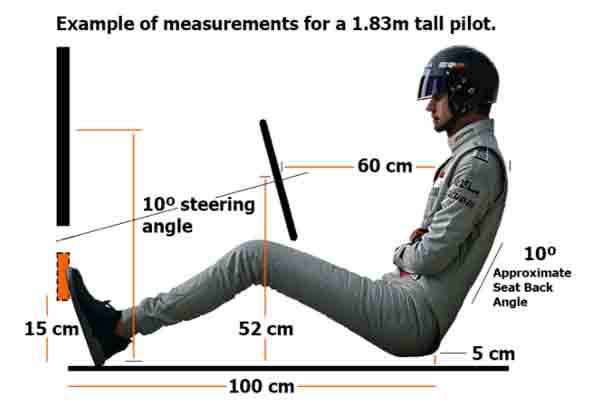 /// FIG 1.0: MONITOR DISTANCE GEOMETRY
/// Interactive FOV Calculator
Enter your real physical measurements. The engine computes your exact hFOV and vFOV — the same math professional simulators use.
| Simulator | Setting type | Your value |
|---|---|---|
| iRacing | hFOV (auto-calculated in sim) | -- |
| F1 Series | hFOV | -- |
| Assetto Corsa Competizione | vFOV | -- |
| Assetto Corsa | vFOV | -- |
| Automobilista 2 | vFOV | -- |
| rFactor 2 / Le Mans Ultimate | vFOV | -- |
Note: for angled triples we model each panel as a screen plane at your viewing distance — the same method iRacing's built-in calculator uses. Always cross-check in-sim with a known real-world reference (e.g., the width of your virtual steering wheel).
/// How to Calculate Perfect FOV
The Geometric Equation (vFOV vs. hFOV)
To calculate your true FOV, you only need three metrics: the diagonal size of your monitor, the aspect ratio (e.g., 16:9, 21:9, 32:9), and the exact distance from your eyes to the center of the screen. From those, the calculator derives the physical width and height of the panel and applies:
- hFOV = 2 × arctan( width ÷ 2 ÷ distance )
- vFOV = 2 × arctan( height ÷ 2 ÷ distance )
Worked example: a 27" 16:9 monitor at 60 cm eye distance yields a panel 59.8 cm wide and 33.6 cm high → hFOV ≈ 53° and vFOV ≈ 31°. That is the number a professional would type into iRacing or ACC — not "whatever feels fast".
Because engines differ, a value of "45" in iRacing does not equal "45" in ACC. One references the horizontal plane, the other the vertical. That is why our tool outputs both values for every configuration.
/// Hardware Synergy
A perfect 1:1 FOV tells your brain exactly *when* to brake. However, if your pedals suffer from elastomer fade, you will still miss the apex. Vision requires pneumatic precision to execute the maneuver.
/// Where to Enter Your Numbers
Per-Simulator Configuration
iRacing calculates FOV organically: input your monitor dimensions and viewing distance directly in the graphics settings and the engine renders the correct visual plane. It references horizontal FOV (hFOV) for single screens and handles triple-screen angles natively.
Assetto Corsa Competizione, the original Assetto Corsa, Automobilista 2, rFactor 2 and Le Mans Ultimate use vertical FOV (vFOV). Take the vFOV value from the calculator and enter it in the camera or view settings.
F1 series titles expose a camera FOV slider in horizontal degrees. Use your hFOV result, and verify with the on-screen cockpit scale.
Triple screens: measure the width of a single panel and the angle of the side monitors — the calculator combines all three planes. In iRacing, prefer the native three-screen wizard and use our numbers as validation.
VR headsets need no FOV configuration at all: the scale is inherently 1:1. That natural depth perception is why many real-world drivers use VR for track learning.
/// Start Procedure Reaction Trainer
Five red lights. When they go out, click or tap as fast as you can. Formula 1 starts are decided in about 200 milliseconds — measure where you stand. Click the panel to arm the sequence.
/// From Simulator to Racetrack
Why Correct FOV Is a Training Investment, Not a Setting
Professional drivers use simulators because the skills transfer — but only when the sensory input is truthful. With a 1:1 FOV, three core abilities develop exactly as they would in a real car:
- Reference points. Braking boards, kerbs and shadows appear at the real distance, so your visual anchors work on a real track walk.
- Speed judgment. Your brain learns real closing rates. Approaching a hairpin at 220 km/h stops being a surprise and becomes a measured, repeatable event.
- Consistency under pressure. When vision is stable, you can isolate what actually matters: threshold braking pressure and release. That is where lap time lives.
Pair that visual discipline with hardware that responds identically every lap — zero thermal fade, true pneumatic linearity — and your practice loop becomes scientific: same input, same output, measurable improvement. That is the difference between playing a racing game and training for racing.
/// Bridging Vision and Telemetry
Why Your Pedals Must Match Your Sight
Once your FOV is geometrically locked in, your muscle memory begins to calibrate to true distance. This is the exact moment where hardware limitations become obvious. When you spot your braking marker perfectly, you demand a consistent response from your sim racing pedals.
Standard load cells degrade with heat and repetitive load, changing the brake response dynamically without your input. By upgrading to SRP® Pneumatic Systems constructed from Al6061-T6 aerospace aluminum, you guarantee zero thermal fade. What your eyes calculate via your perfect FOV, your foot executes flawlessly through atmospheric pressure modulation — the same modulation principle real racing brake pedals rely on.
PADDOCK FAQ: FOV & VISUAL DATA
What is FOV in sim racing?
FOV, or Field of View, determines how much of the virtual world is rendered on your screen. A correct 1:1 FOV ensures the visual scale matches reality, allowing your brain to accurately judge speed, braking points, and distance to the apex.
What is the difference between hFOV and vFOV?
hFOV represents the Horizontal Field of View (commonly used in iRacing and F1 games), while vFOV represents the Vertical Field of View (used in Assetto Corsa Competizione and Automobilista 2). Both are calculated from your monitor size and eye distance.
Does incorrect FOV affect my trail braking?
Yes. An incorrect FOV distorts your perception of speed, so you brake too early or too late because corners appear to arrive at the wrong time. A mathematically correct FOV paired with consistent, zero-fade pneumatic pedals produces repeatable braking performance.
Do I need to adjust FOV on triple screens or in VR?
On triple screens you calculate a combined horizontal FOV from the total width and panel angle. In VR you do nothing: headsets render a natural 1:1 scale by design, which is one of their biggest advantages for training.
What FOV do professional racing drivers use?
There is no universal number. Professional sim racers and real-world drivers who train on simulators use a mathematically 1:1 FOV derived from their own screen size and seating position, because it makes braking references and speed perception transferable to a real car.
Can a wrong FOV cause motion sickness?
Yes. An excessively wide FOV makes the world move faster than your inner ear expects, creating a sensory mismatch that can cause nausea and eye fatigue. Setting a correct 1:1 FOV usually eliminates the problem.
/// ALIGN YOUR HARDWARE WITH YOUR VISION
Execute the perfect apex with aerospace-grade pneumatic telemetry.

SRP® GT-R
The Endurance Master. Engineered for zero thermal degradation. Transform your 1:1 FOV vision into consistent lap times.
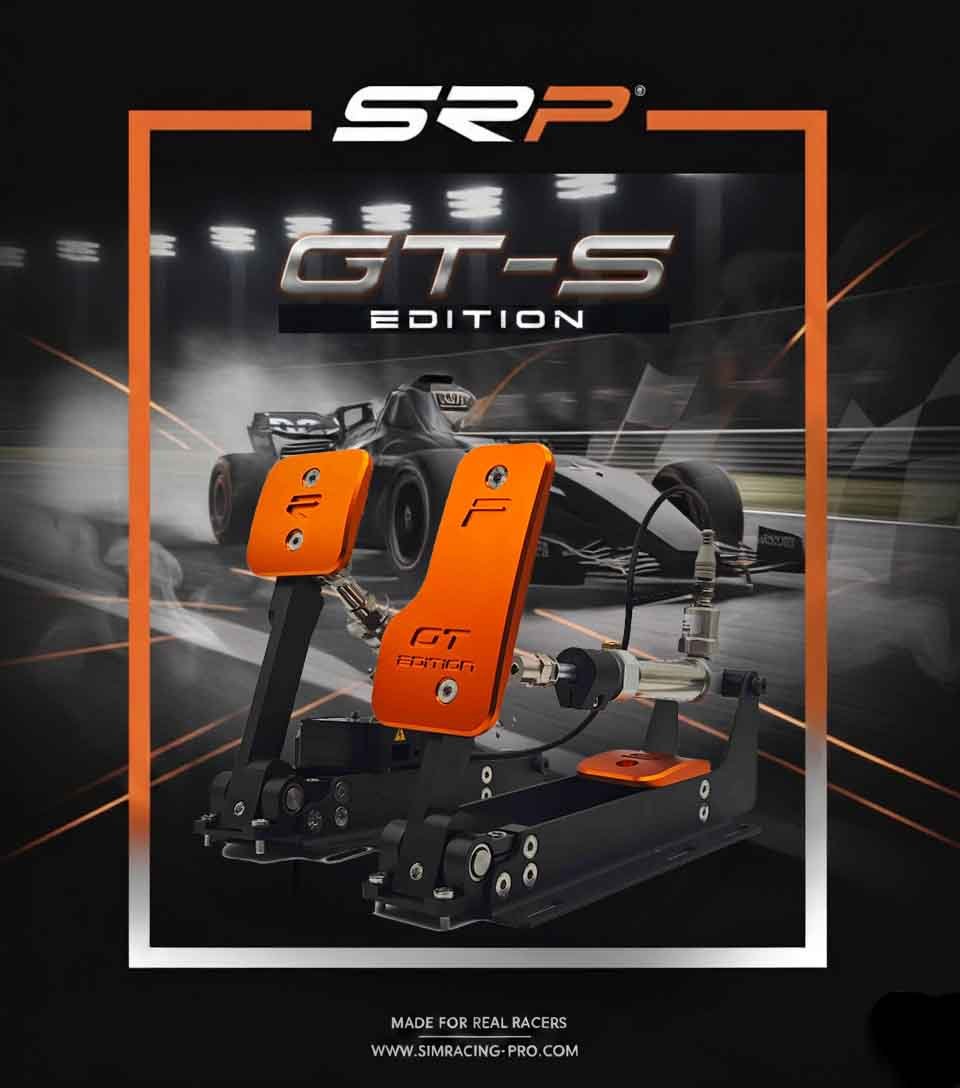
SRP® GT-S
GT3 & Rally Precision. Master every apex with true pneumatic linearity. Engineered for extreme technical accuracy.
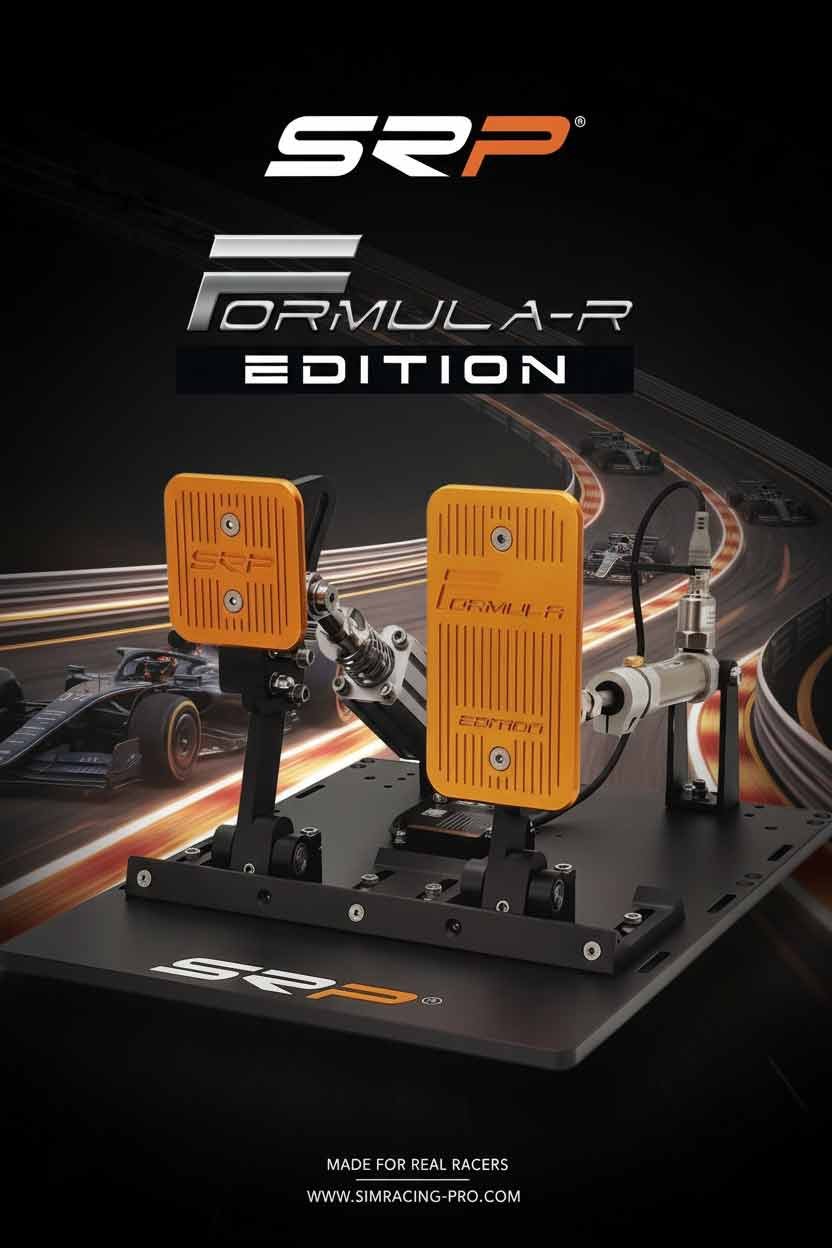
SRP® Formula-R
Ultimate Monocoque Rigidity. Built for extreme high-downforce braking maneuvers without mechanical chassis flex.